Spatial time cards
Place multiple people or cities in a clean horizontal clock strip with local time, date, weather, and quick reference details.
A world clock built for spatial computing. Track the people and places that matter, compare time zones, check weather, and handle quick travel conversions without leaving your immersive workspace.
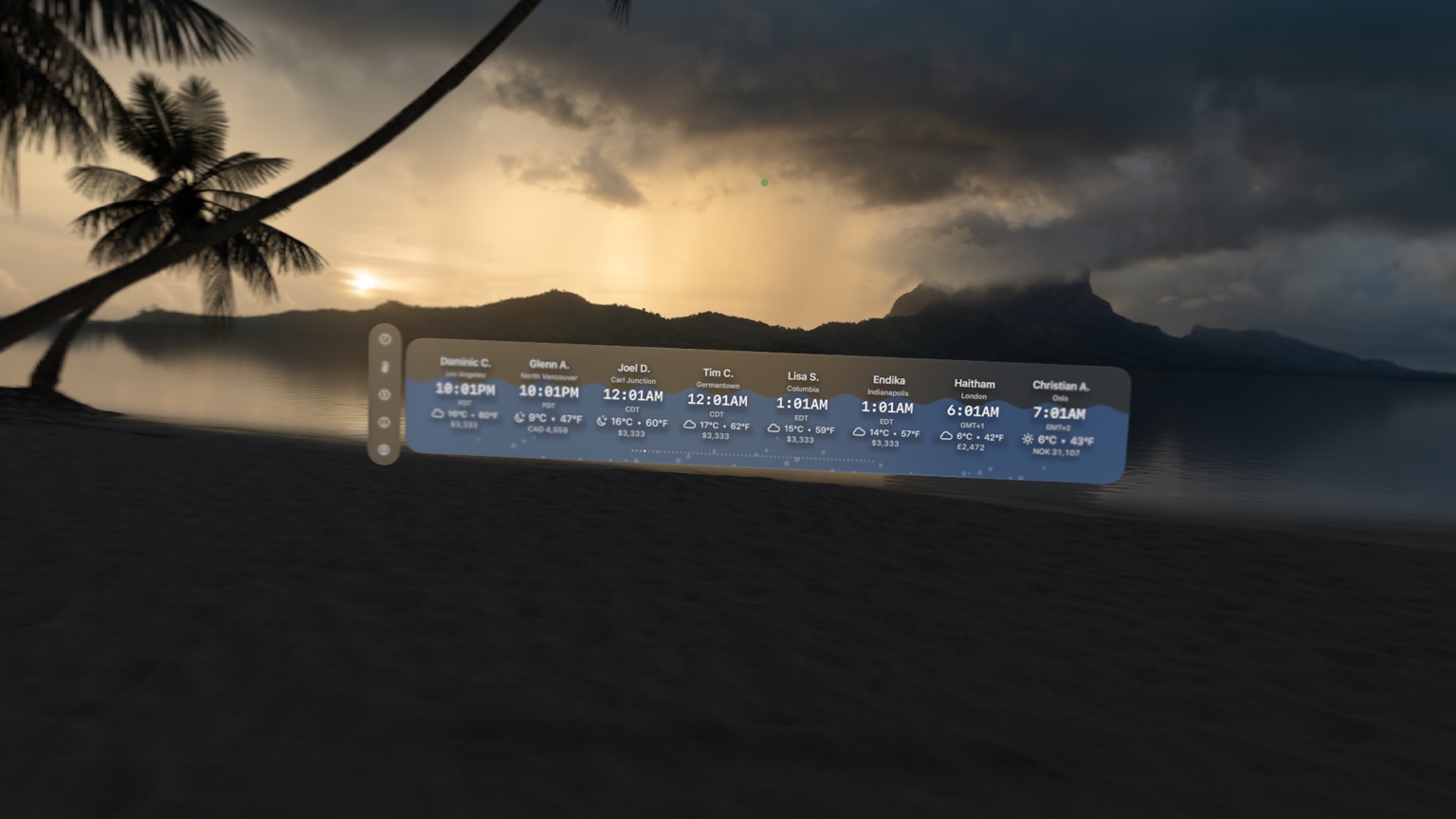
Submerged World Clock turns time zones into something you can see at a glance. It is built for trip planning, remote coordination, and staying connected across cities.
Place multiple people or cities in a clean horizontal clock strip with local time, date, weather, and quick reference details.
Scrub forward or backward to see what time it will be everywhere else before you schedule a call or plan a trip.
Currency and temperature converters are built into the same spatial environment so quick conversions stay quick.
The interface uses translucent panels, large typography, and focused controls so the app feels native to Vision Pro instead of like a flat phone screen floating in front of you.
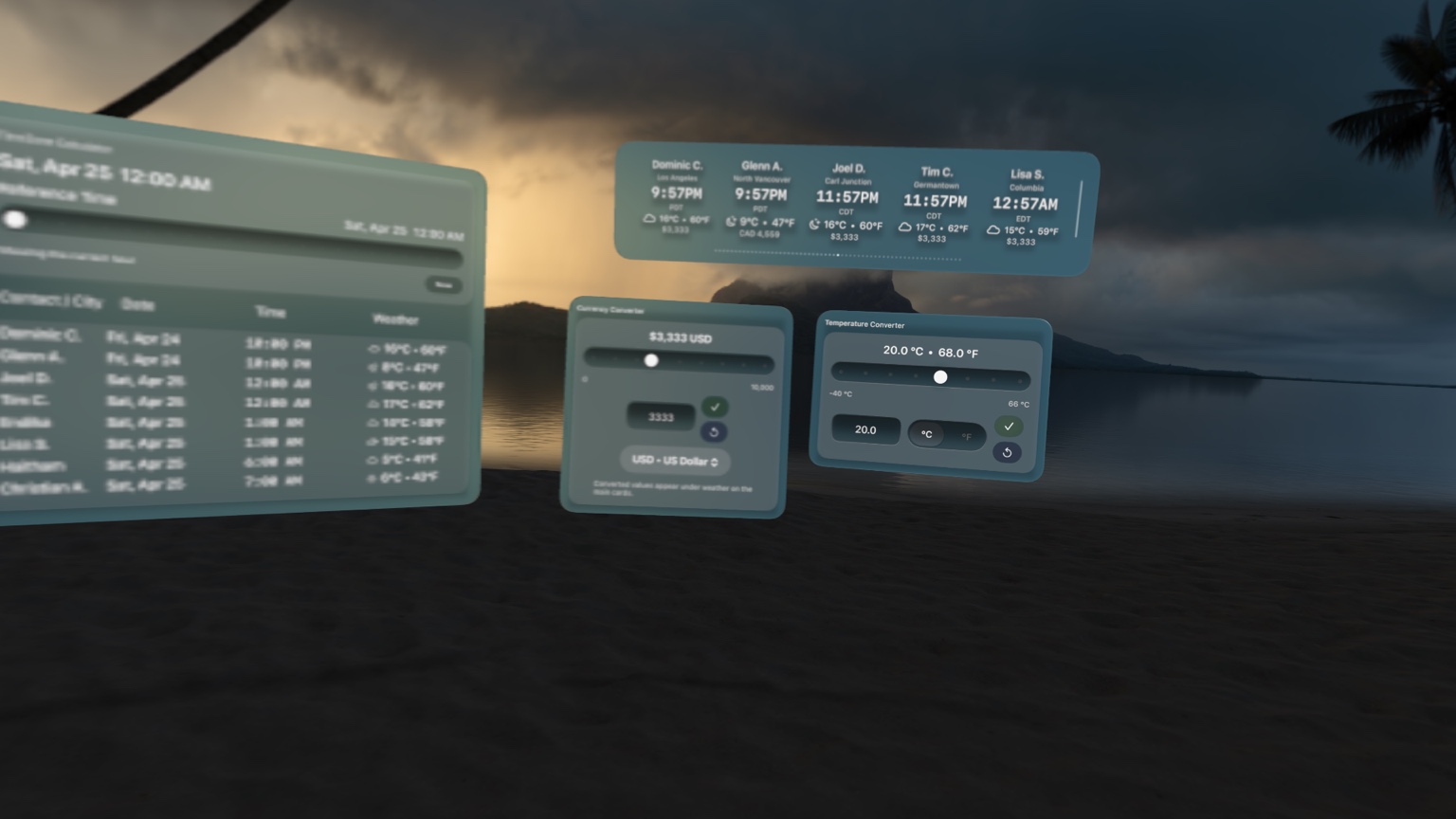
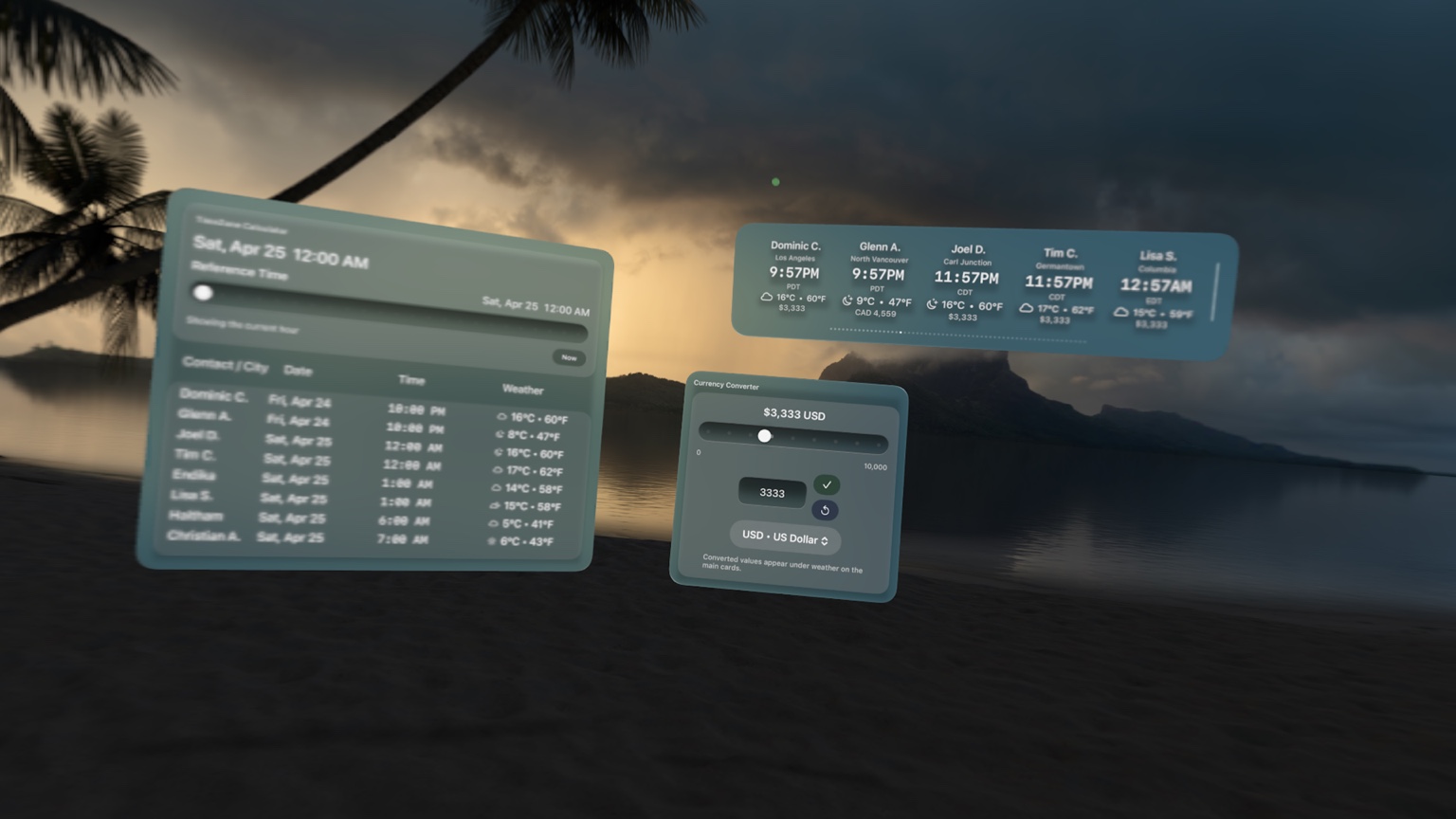
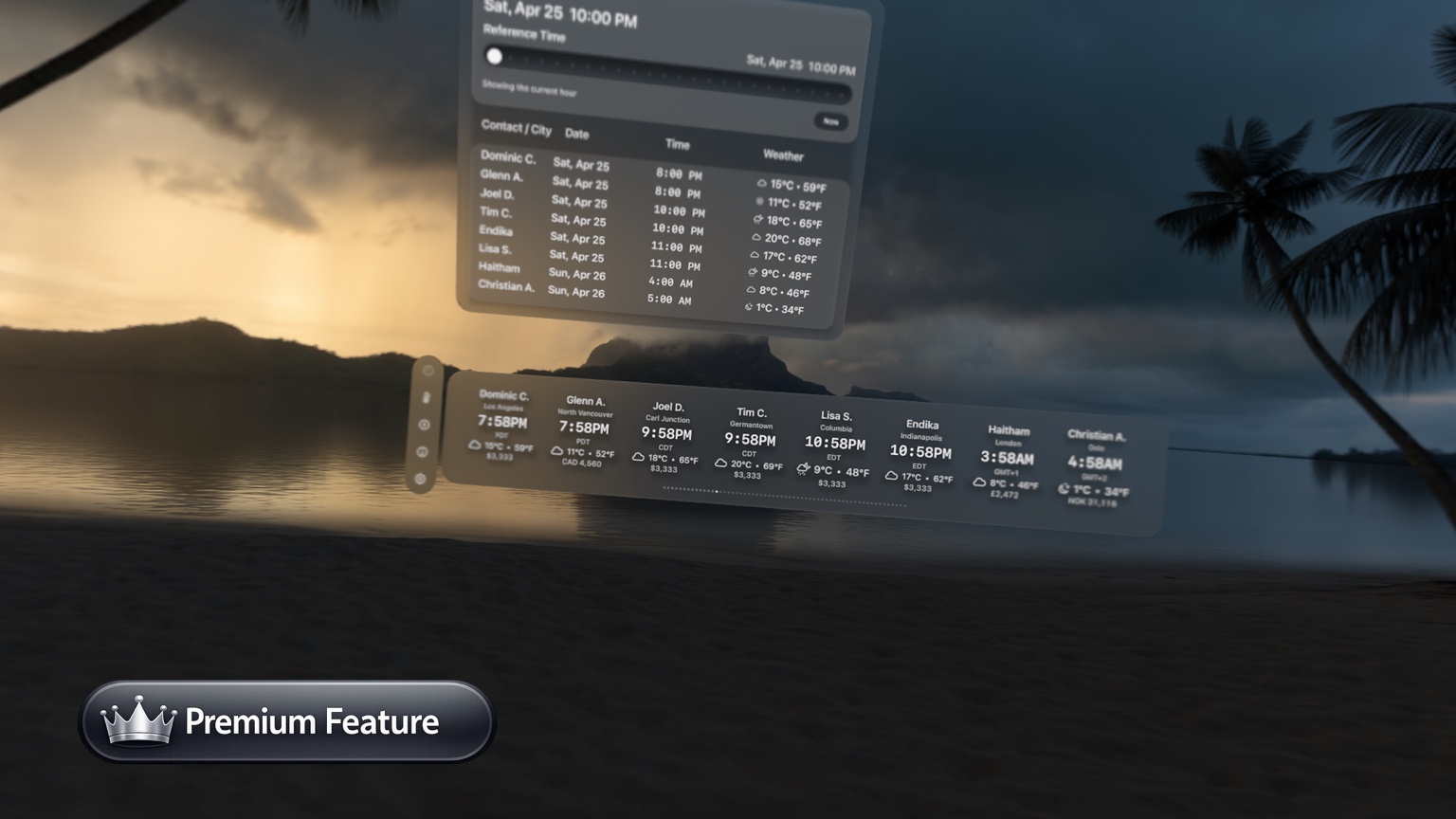
Submerged World Clock keeps everyday time awareness and quick travel references together in one spatial workspace.
Submerged World Clock is designed to keep useful context close at hand without turning a simple time check into a separate workflow.
Do not sell user data. Do not build an ad profile. Do not use third-party advertising SDKs.
Contacts, city lists, and settings should be described according to how the shipping app actually stores and syncs them.
Submerged World Clock is currently being prepared for release on Apple Vision Pro.